A Complete Guide to Organizing Family Recipe Cards Digitally
Facts:
- Digital archiving can preserve documents for over 100 years.
- A rising trend in genealogy is the digital preservation of family recipes.
From Shoebox to Cloud: Preserving Your Culinary Legacy
The cherished, handwritten recipe cards passed down through generations are more than just instructions; they are tangible pieces of family history. Unfortunately, paper fades, ink smudges, and cards get lost. This is where learning how to digitize family recipes becomes essential. By creating a digital archive, you not only protect these precious memories from damage but also make them easily accessible and shareable with loved ones anywhere in the world. This process transforms a cluttered box of cards into a searchable, organized, and permanent collection, ensuring your family's culinary traditions continue to thrive.
Selecting the Best Tools for Digitization
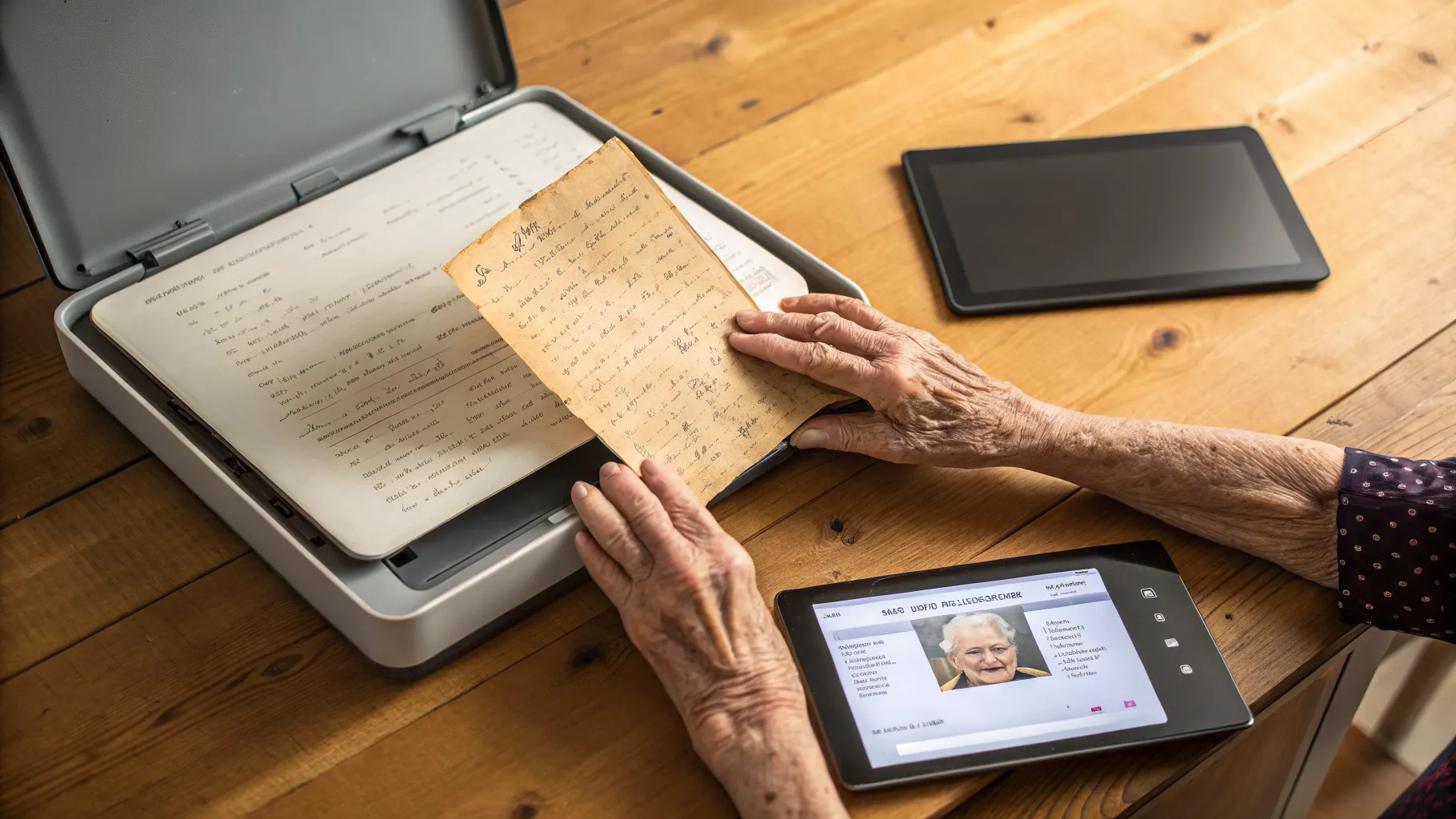
The first step in this preservation project is choosing the right equipment. While a flatbed scanner offers the highest quality, modern smartphone cameras are incredibly capable. The key is finding the right software. Many excellent recipe scanner apps for seniors are designed with simplicity and clarity in mind. Look for apps with features like Optical Character Recognition (OCR), which converts the image of text into editable digital text, automatic cropping, and glare reduction. Apps like Recipe Keeper or Paprika Recipe Manager are popular because they not only scan but also help organize the recipes with tags, categories, and meal planning features. For those new to tech, choosing an app with a large, clear interface is crucial for a smooth experience.
Your Step-by-Step Digitization Process
Once you have your tools, it's time to start scanning. Create a clean, well-lit workspace to ensure the best quality images. If you're using a phone, place the recipe card on a flat, non-reflective surface and position the phone directly above it to avoid distortion. Take your time with each card, ensuring the text is sharp and legible. After scanning, the most critical part is organizing the files. This is where understanding cloud drive folder setups is invaluable. Immediately name each file with a clear, consistent convention, such as 'Grandma-Elsie-Apple-Pie.jpg' or 'Aunt-Carol-Lasagna.pdf'. This simple habit will save you immense time later and is a foundational part of the entire process of learning how to digitize family recipes effectively.
Creating a Logical Digital Filing System
A pile of digital files is no better than a pile of physical cards. Organization is paramount, especially when sorting cookbook files over 60. A well-structured folder system is the solution. Begin by creating a main folder called 'Family Recipes'. Inside, you can create subfolders based on what makes the most sense to you. Common methods include sorting by the person who wrote the recipe (e.g., 'Grandma Elsie', 'Mom'), by course (e.g., 'Appetizers', 'Main Courses', 'Desserts'), or by cuisine (e.g., 'Italian', 'Mexican'). Don't be afraid to create sub-subfolders for even greater detail. This structured approach, a core component of understanding cloud drive folder setups, makes finding a specific recipe as simple as a few clicks, rather than digging through a digital shoebox.
Ensuring Long-Term Safety and Storage
Your digital recipes are precious data, and they need to be protected. This process is very similar to creating an informative guide to digital photo storage, as the principles are the same. A scan of a recipe card is an image file that needs backup. Relying on a single device is risky; a computer crash could wipe out all your hard work. The best strategy is the 3-2-1 backup rule: have at least three copies of your data, on two different types of media (e.g., your computer's hard drive and an external hard drive), with at least one copy stored off-site. Cloud services like Google Drive, Dropbox, or OneDrive are perfect for this off-site copy, providing an excellent safeguard against local disasters like fire or theft.
Sharing Your Preserved Culinary Heritage
The ultimate joy of this project is sharing the preserved recipes with your family. A well-organized digital collection makes this incredibly easy. You can share access to your cloud drive folder with family members, allowing them to browse and download recipes at their leisure. Some families create a shared digital cookbook using services like Google Docs or even a private blog. This creates a living document where new recipes can be added by younger generations, and family members can leave comments or photos of their own attempts at making the dishes. This turns a simple preservation project into a dynamic, collaborative celebration of your family's history and food culture.
Frequently Asked Questions
What are the best recipe scanner apps for seniors?
The best apps for seniors prioritize ease of use. Look for apps like Recipe Keeper, Whisk, or Paprika. They often feature large buttons, simple interfaces, and powerful OCR technology that automatically transcribes the recipe, minimizing the need for manual typing. Many also offer excellent organizational tools.
How can I start sorting cookbook files over 60 without it feeling overwhelming?
The key is to start small. Don't try to scan and organize everything in one day. Dedicate 30 minutes a day or a few hours one day a week to the project. Begin with one person's collection, like all of your mother's recipes. Once you complete that small batch, the sense of accomplishment will motivate you to continue. A structured approach makes the task manageable.
Is an informative guide to digital photo storage relevant for recipe cards?
Absolutely. Scanned recipe cards are image files (like JPEGs or PDFs), just like digital photos. The same principles of backing up your files to multiple locations, including a cloud service and an external hard drive, apply directly to your digital recipe collection to prevent accidental loss.
References
- The National Archives - Digital Preservation Guidelines
- Genealogy Today - Preserving Family History
- Tech for Seniors - Cloud Storage Explained
- Digital Photography School - Backup Strategies for Your Photos
Authored by FreshLifeWire team