Mastering Mobile Banking and Financial Application Literacy: A Secure Guide
Facts:
- Global mobile banking adoption now exceeds 3 billion users.
- A rising trend: dedicated programs to help learn mobile banking apps seniors are growing rapidly.
Navigating the Digital Economy: A Deep Dive into Mobile Banking Literacy
In today's fast-paced digital world, mastering mobile banking and financial application literacy is no longer a luxury but a necessity. The ability to manage finances from a smartphone offers unparalleled convenience, but it also requires a solid understanding of the tools and security measures involved. This guide provides comprehensive, secure financial application training to empower users of all ages, ensuring they can bank with confidence and safety. We will explore everything from basic transactions to advanced security protocols, making complex topics accessible to everyone and emphasizing the importance of understanding balance transaction safety from the very first step.
The Foundations of Secure Mobile Banking
The cornerstone of digital financial security is a proactive approach to protecting your information. Before you even download an application, it is crucial to ensure your device is secure with a strong passcode or biometric lock. Once you're using an app, always enable two-factor authentication (2FA), which adds a vital second layer of security beyond just your password. This process typically involves receiving a unique code via text message or a separate authenticator app to verify your identity. A critical component of this is understanding balance transaction safety; this means regularly monitoring your account activity for any unfamiliar transactions. By setting up alerts for withdrawals or purchases, you can be notified in real-time, allowing you to act immediately if you suspect fraud. This vigilance is a key part of any effective secure financial application training.
Step-by-Step Digital Wallet Usage Tutorials
Digital wallets like Apple Pay or Google Pay have revolutionized payments, but using them securely requires knowledge. These digital wallet usage tutorials provide a clear roadmap for getting started. First, add your credit or debit card by following the on-screen prompts within the wallet app, which often involves taking a picture of your card and verifying it with your bank. When making a payment, your actual card number is never shared with the merchant; instead, a unique, encrypted token is used for the transaction. This is a fundamental aspect of their security. Practice using the wallet for small, in-store purchases to build confidence. Remember to treat your phone with the same security as your physical wallet, always keeping it locked when not in use.
An Informative Guide to Mobile Encryption Rules
A frequent question revolves around how data is kept safe as it travels from your phone to the bank's servers. The answer lies in encryption. This section serves as an informative guide to mobile encryption rules and standards. Reputable financial applications use end-to-end encryption (E2EE), meaning your data—from your login credentials to your transaction details—is scrambled into an unreadable code the moment it leaves your device. Only the bank's server has the key to unscramble it. This prevents anyone who might intercept the data from being able to read it. Always ensure your banking app is updated to the latest version, as updates often contain critical security patches that strengthen these encryption protocols, forming a key part of your ongoing secure financial application training.
Empowering Every Generation with Financial Tech
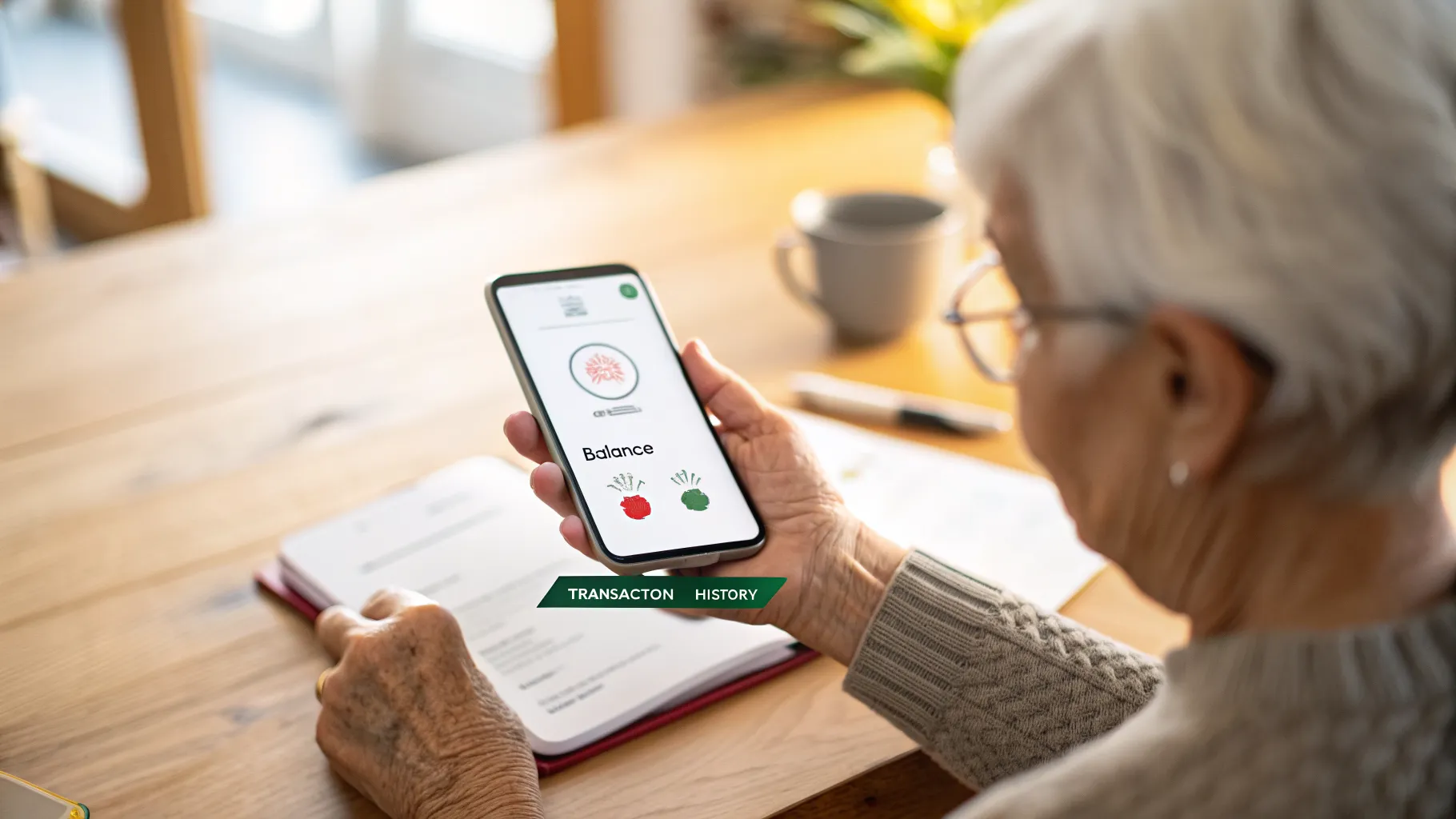
It is vital that financial technology is accessible to everyone. To that end, many resources now exist to help learn mobile banking apps seniors and other less tech-savvy users. When assisting someone new to digital banking, patience and clarity are paramount. Start by explaining the core benefits, such as checking balances without visiting a branch. Use the official app from their bank, downloaded directly from the official Apple App Store or Google Play Store. Many modern apps now include accessibility features like larger fonts and simplified navigation. The goal is to build confidence through repeated, successful use. Guiding them through the process of checking their account history is a great way to reinforce the concept of understanding balance transaction safety in a practical, hands-on manner.
Frequently Asked Questions
What is the first step to learn mobile banking apps for seniors?
The safest first step is to contact the bank directly. Many financial institutions offer personalized assistance or workshops specifically designed to help seniors and new users. Starting with the official source ensures you download the correct application and receive accurate, secure financial application training. It's also helpful to have a trusted family member or friend assist during the initial setup process.
How does understanding balance transaction safety protect me from fraud?
Actively understanding balance transaction safety is your best defense against fraud. By regularly checking your transaction history and account balance, you can immediately spot unauthorized charges or withdrawals. Most banking apps offer real-time alerts for transactions, which we highly recommend enabling. The sooner you report a fraudulent transaction, the faster the bank can act to resolve the issue and secure your account.
Are digital wallet usage tutorials reliable for all types of smartphones?
Yes, for the most part. While the exact steps in digital wallet usage tutorials may differ slightly between an iPhone and an Android device, the fundamental security principles are universal. Both Apple Pay and Google Pay use tokenization and require biometric or passcode verification for payments, making them highly secure on any compatible device. The core concepts of adding a card and making a payment remain consistent.
References
- Federal Board of Finance: Annual Report on Mobile Financial Services
- National Cybersecurity Alliance: Digital Safety and Security Guidelines
- Consumer Financial Protection Bureau: Resources for Older Adults
Authored by FreshLifeWire team