Best Two Factor Authentication Methods for 2025
Which Two Factor Authentication Should You Choose
In 2025 security focus centers on authentication that goes beyond a single password. Two factor authentication, or 2FA, has evolved from a nice to have feature into a baseline requirement for protecting personal data and business systems. The aim is simple but powerful: even if someone steals your password, a second factor keeps intruders out. The challenge is choosing the right method among several strong options, each with its own strengths and trade offs.
Across industries, the push to adopt 2FA is accelerating. Industry surveys indicate more than 60 percent of mid to large organizations now enable MFA by default, and many plan to expand to add additional factors. That momentum matters: the more places you enable 2FA, the lower the odds that a stolen password leads to a breach. The practical takeaway is clear: you should pair strong authentication with clear, user friendly setup to keep risk low without slowing daily work.
There are four common paths people use for 2FA, and understanding them helps you tailor the choice to your needs. Each option has a different balance of convenience, cost, and security. The best approach is often a layered one where high risk accounts use the strongest method and lower risk accounts use simpler ones.
- SMS codes are easy to set up and work without internet connections, but they come with real security gaps. SIM swap attacks and number porting can let attackers intercept codes. If you only have one choice, SMS should be a fallback rather than the primary factor for sensitive accounts.
- Authenticator apps generate one time codes on your device. They work offline and resist remote interception, making them a solid default for most users. They strike a good balance between security and usability, and many services support them widely.
- Push based prompts send a notification to a trusted device asking you to approve a login. This streamlines the login flow and reduces typing, but you still need a trusted device and an internet connection. It’s particularly popular for work accounts and consumer apps alike.
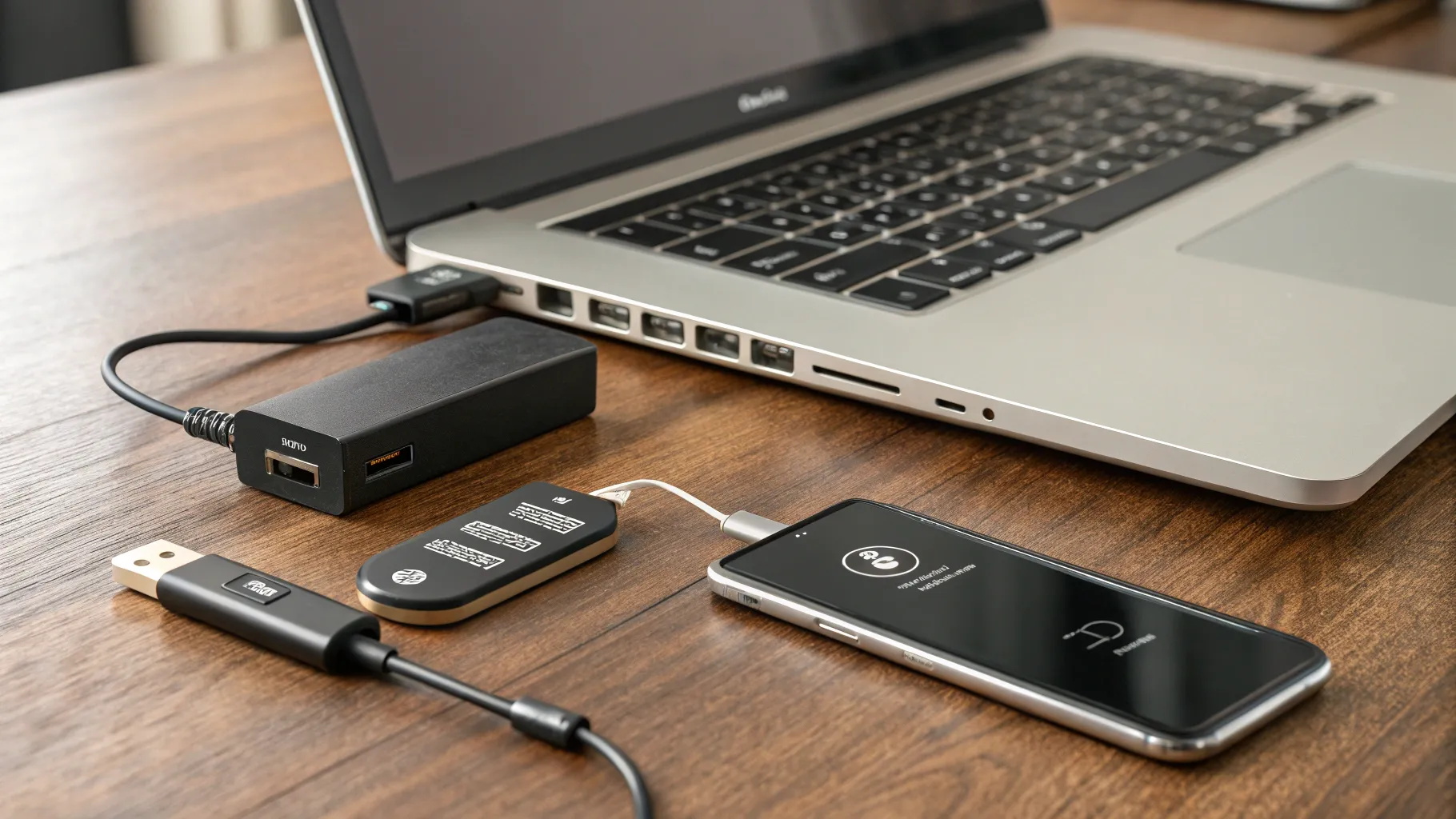
- Hardware security keys built on the FIDO2 standard deliver the strongest defense against phishing. You physically insert or tap the key during login. They work across devices and browsers, and when deployed at scale they dramatically shrink breach risk. The main trade off is cost and management, especially for large teams.
In 2025 hardware keys are increasingly integrated into corporate security programs, and many providers report phishing related compromises dropping sharply where keys are used. When organizations roll out keys to employees, the incident rate on password related breaches falls to a fraction of what it used to be. For individuals, a key is a cost upfront but a one time investment that pays dividends over years of use.
Other important factors shape the decision. The security needs of a banking customer service portal differ from those of a personal social media account. Device compatibility matters too. Some methods require smartphones, others work on basic phones or desktop only. A thoughtful plan often includes multiple 2FA options, allowing users to choose the most convenient path without sacrificing security.
Which Two Factor Authentication Should You Choose For Your Team And Family
When you decide which two factor authentication to deploy you should start with the risk profile. Personal accounts and small teams may get by with authenticator apps or push prompts, while finance teams or administrators with access to sensitive data benefit from hardware keys. For businesses, you can assign different 2FA requirements by role and enforce policy without placing a heavy burden on everyday tasks.
For teams, a practical strategy is to deploy authenticator apps as the default 2FA method and reserve hardware keys for high risk users such as system administrators, executives, or employees who handle regulated data. This layered approach delivers robust security without slowing critical workflows. Training matters too. A short, friendly onboarding that shows how to install the authenticator, set up the backup options, and replace a lost key goes a long way toward user acceptance.
In the personal sphere, start with an authenticator app and add a hardware key only if the account holds valuable data or you travel frequently for work. For family use, encourage enrollment across shared devices and consider a family plan for hardware keys to simplify replacement and maintenance. Real world examples from early 2025 illustrate the point: organizations that mix 2FA methods often see the best blend of resilience and convenience, especially when they pair it with security aware culture and regular practice drills.
Biometric prompts are increasingly layered into 2FA as a second factor on devices you already trust. When combined with a strong login process, biometrics add frictionless security that users appreciate. As mobile devices continue to ship with trusted biometrics ready to go, 1 in 3 new deployments for personal accounts now include some form of biometric verification as part of the second factor.
In short, the best path in 2025 is not a single silver bullet but a thoughtful mix. Favor authenticator apps for everyday use, add hardware keys for high risk situations, and reserve SMS codes as a history lesson rather than your primary defense. Always verify that the services you rely on support the chosen method, test the workflow with real users, and keep a contingency plan for lost devices. The result is a safer digital life that remains accessible and personal, even as threats continue to evolve.
Authored by FreshLifeWire team