Basic Digital Audio Podcast Creation Training: A Comprehensive Guide
Facts:
- Podcasting has existed since the early 2000s.
- A major trend is the rise of specialized digital voice recording seminars.
Your First Steps in Professional Podcasting
Embarking on the journey of podcasting can be incredibly rewarding, transforming your voice and ideas into a medium that reaches listeners globally. This guide provides a foundational understanding, moving beyond simple recording to the nuanced art of audio production. We will explore everything from initial setup to the final polish, making this an essential resource. Whether you're a hobbyist or an aspiring professional, our digital voice recording seminars and detailed tutorials will equip you with the skills needed to produce high-quality content that stands out in a crowded digital landscape.
Essential Gear: Podcast Equipment Setup Tutorials for Seniors and Beginners
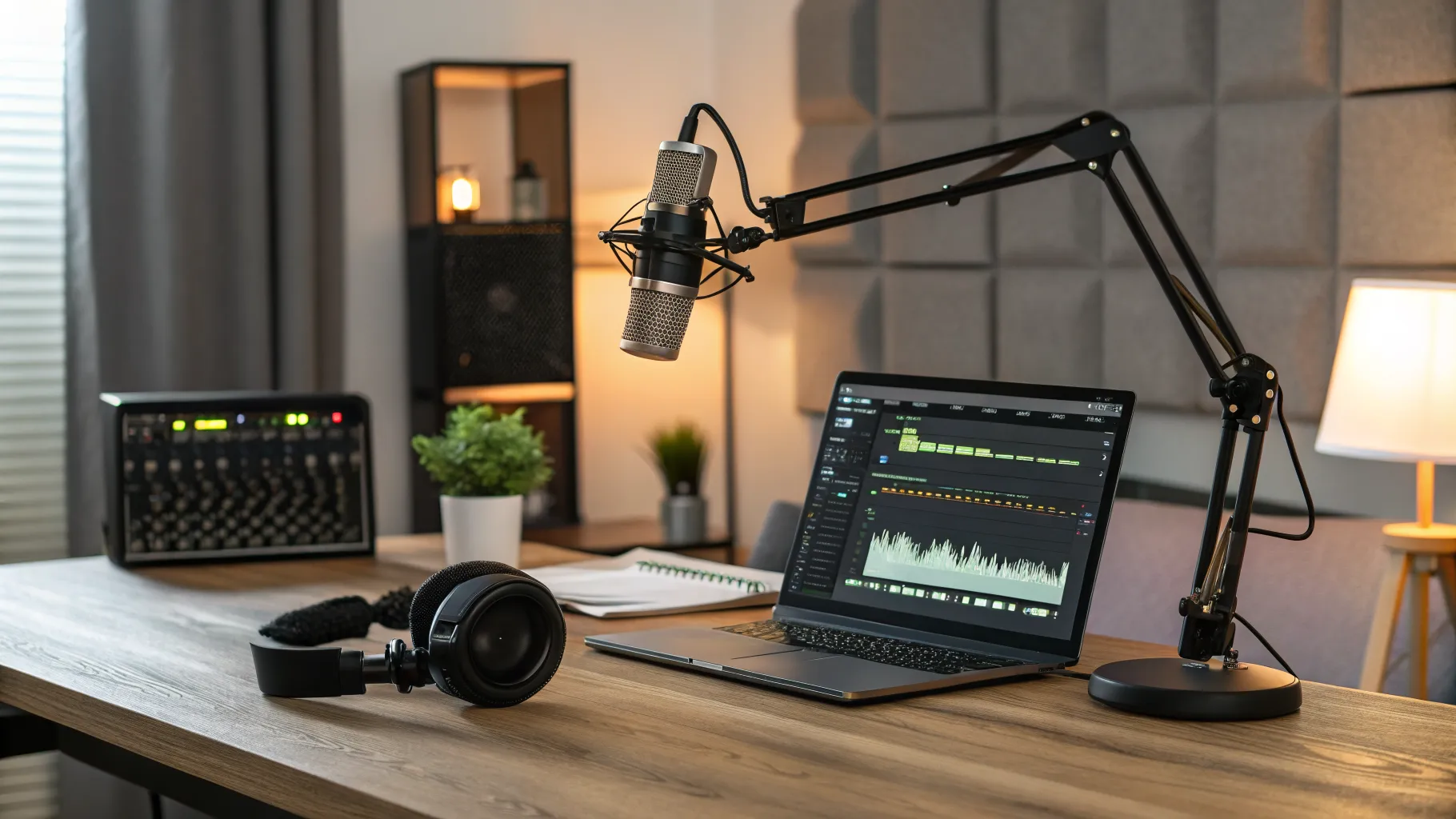
The quality of your podcast begins with the quality of your equipment. While you don't need a million-dollar studio, investing in a few key pieces of hardware is crucial. The cornerstone of any setup is the microphone. A USB microphone is a great starting point for its simplicity, while an XLR microphone connected to an audio interface offers superior quality and control. Our podcast equipment setup tutorials seniors recommend starting with a quality condenser mic, headphones for monitoring your audio in real-time to catch mistakes, and a pop filter to eliminate harsh 'p' and 'b' sounds. An audio interface is a device that converts the analog signal from your mic into a digital signal your computer can understand, and it's essential for anyone serious about sound quality. Don't forget the environment; simple acoustic treatment like blankets or foam panels can drastically reduce echo and improve clarity.
Mastering the Software: How to Learn Audio Mixing Software
Once you have your recordings, the magic happens in post-production. This is where you will learn audio mixing software, also known as a Digital Audio Workstation (DAW). Free options like Audacity and GarageBand are fantastic for beginners, offering powerful tools for editing, noise reduction, and basic mixing. For those wanting more advanced features, software like Adobe Audition, Reaper, or Descript provides a professional-grade suite of tools. The learning curve can seem steep, but many online courses and tutorials break down the process. Key skills to learn include cutting out mistakes, balancing volume levels, adding intro and outro music, and applying effects to enhance your voice. Consistent practice is key to becoming proficient and developing an efficient workflow.
The Editor's Craft: An Informative Guide to Multi-Track Editing
Modern podcasts are rarely a single, unedited track. They are composed of multiple layers: the host's voice, a co-host's voice, intro music, sound effects, and guest interviews. This is where an informative guide to multi track editing becomes invaluable. Multi-track editing allows you to manipulate each audio element independently. You can adjust the volume of the background music so it doesn't overpower the vocals, or you can seamlessly insert an ad read. This technique gives you complete creative control, enabling you to build a rich, layered, and dynamic listening experience. Learning to organize your tracks, use bussing for group effects, and automate volume changes are fundamental skills that elevate a simple recording into a professional-sounding production.
The Science of Sound: Understanding Audio Wavelength Compression
To give your podcast that polished, professional radio sound, you need a basic grasp of audio processing. A key concept here is understanding audio wavelength compression. In simple terms, a compressor reduces the dynamic range of your audio—it makes the loud parts quieter and the quiet parts louder. This results in a more consistent volume level, which is much more pleasant for the listener, especially if they are in a noisy environment like a car or a gym. Over-compression can make your audio sound unnatural and lifeless, so it's a tool to be used with subtlety. Along with compression, learning about Equalization (EQ) to shape the tonal balance of your voice is a critical step in the final mastering process of your podcast episode.
Actionable Podcasting Checklist for Success
Following a structured plan is vital for consistent content creation. Here is a checklist to guide you through producing each episode:
- Pre-Production: Plan your episode content, write a script or detailed outline, and schedule any guests. This preparation prevents rambling and ensures a focused episode.
- Setup and Recording: Test all your gear before you hit record. Check microphone levels and monitor your audio with headphones. Follow best practices from digital voice recording seminars to ensure a clean source recording.
- Post-Production Editing: Import your raw audio into your chosen software. Begin the informative guide to multi track editing process by cutting mistakes, arranging segments, and adding music or sound effects.
- Mixing and Mastering: Balance the levels of all your tracks. Apply compression and EQ to enhance clarity and consistency, which is key to understanding audio wavelength compression. Export your final audio file in a common format like MP3.
- Publishing and Promotion: Upload your finished episode to your podcast host, write compelling show notes and a title, and then promote the episode across your social media channels and to your email list.
Frequently Asked Questions
What equipment is essential for someone following podcast equipment setup tutorials seniors?
For seniors or any beginner, the essentials are a quality USB microphone for ease of use, a pair of closed-back headphones for monitoring audio, and a pop filter to improve vocal clarity. This simple setup minimizes technical complexity while providing excellent sound quality to get started.
Is it difficult to learn audio mixing software on your own?
While there is a learning curve, it is very possible to learn audio mixing software independently. Start with free software like Audacity and watch beginner tutorials. Focus on learning one skill at a time, such as cutting tracks, removing background noise, and balancing volume, before moving to more advanced techniques.
Why is understanding audio wavelength compression so critical for a podcast?
Understanding audio wavelength compression is crucial because it ensures a consistent listening experience. It evens out the volume of your voice, preventing listeners from constantly adjusting their volume controls. This makes your podcast sound more professional and easier to listen to, especially in noisy environments.
References
- The Audacity Manual for Audio Editing
- Guides to Digital Audio Workstations
- Introduction to Sound Engineering Principles
- Online Podcasting Communities and Forums
Authored by FreshLifeWire team