Unlock the Digital World: A Complete Guide to Computer Classes for Seniors
Facts:
- Over 60% of adults aged 65+ now use the internet.
- A rising trend in digital literacy programs for seniors.
Why Digital Literacy is Essential for Seniors Today
In today's fast-paced digital world, staying connected and informed is more important than ever. For many older adults, technology can seem daunting, but it also offers a gateway to a world of information, connection, and convenience. Embracing technology through structured learning can significantly enhance one's quality of life. This is where computer classes for seniors play a crucial role. They provide a supportive and patient environment for learning essential digital skills, from sending emails to family to managing online banking and accessing telehealth services. The goal is not just to learn how to use a device, but to build confidence and independence in an increasingly digital society. Proper computer training for seniors demystifies technology and empowers individuals to participate fully in modern life.
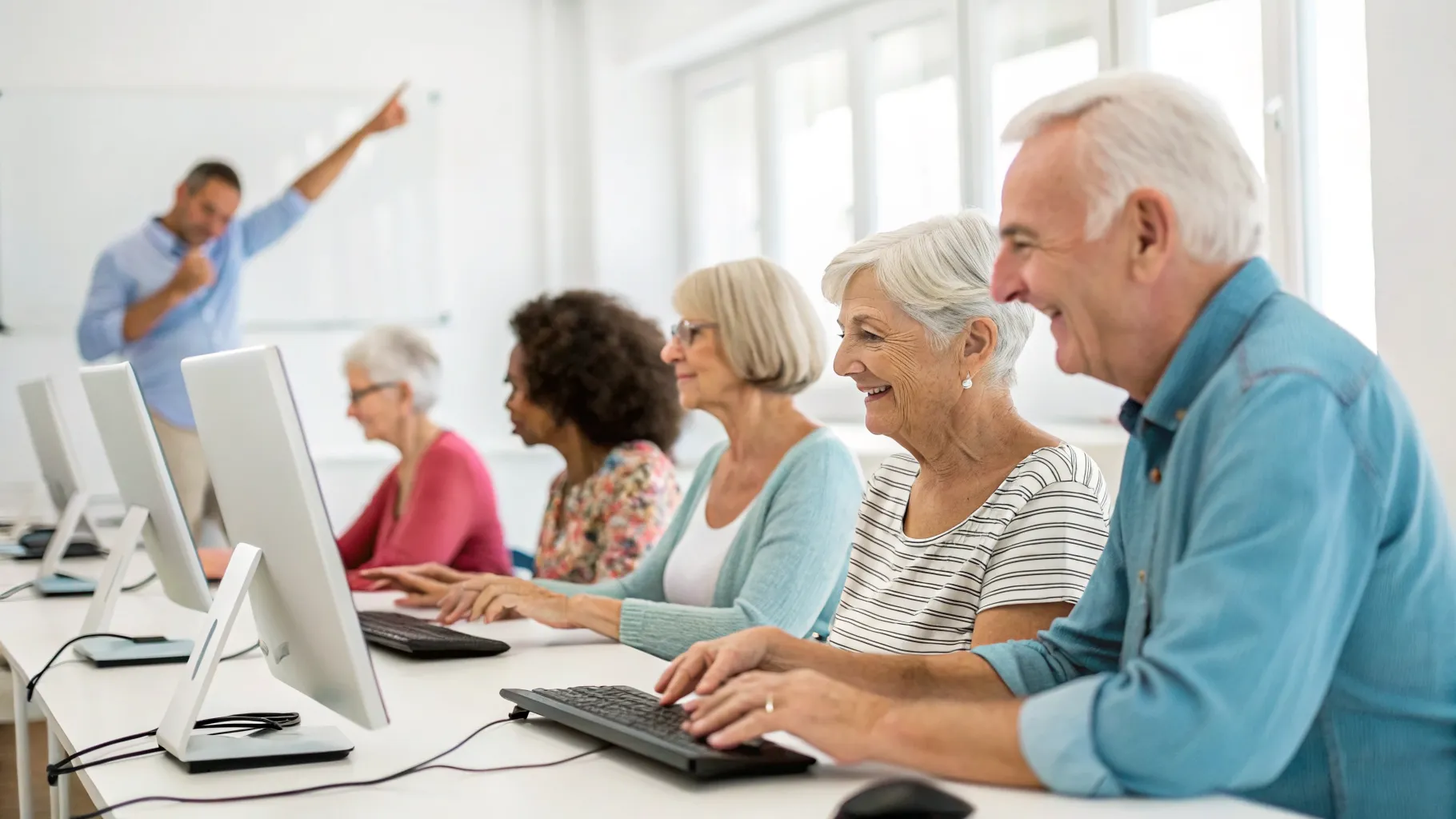
The Core Benefits of Computer Training for Seniors
Engaging in computer training for seniors offers a multitude of benefits that extend far beyond simply knowing how to click a mouse. One of the primary advantages is enhanced social connection. Learning to use social media, video calls, and email allows seniors to stay in close contact with children, grandchildren, and friends, regardless of geographical distance. This combats feelings of isolation and strengthens family bonds. Another significant benefit is cognitive stimulation. Learning new skills, problem-solving technical issues, and navigating the internet keeps the mind active and engaged, which can contribute to better cognitive health. Furthermore, mastering digital skills boosts self-esteem and independence. The ability to handle online shopping, banking, and appointment scheduling without assistance provides a powerful sense of accomplishment and control. Finding dedicated computer help for seniors ensures that this learning process is encouraging and effective.
Finding the Right Basic Computer Classes for Seniors
When starting the journey into digital literacy, finding the right program is key. There are many options available, so it's important to know what to look for. Excellent basic computer classes for seniors often start with the fundamentals: turning on the computer, using a mouse and keyboard, and understanding the desktop. From there, they should progress to practical skills like internet browsing, using a search engine, and setting up an email account. Look for classes with small student-to-teacher ratios to ensure personalized attention. The instructor's patience and ability to explain complex topics in simple terms are paramount. Many community centers, libraries, and non-profit organizations offer affordable or even free computer classes for seniors. Before enrolling, inquire about the curriculum to ensure it aligns with your personal goals, whether that's learning to use a specific application or simply becoming more comfortable with technology in general.
Exploring Online Computer Classes for Seniors
For those who prefer learning from the comfort of their own home, online computer classes seniors are a fantastic alternative. These courses offer unparalleled flexibility, allowing you to learn at your own pace and on your own schedule. Many platforms design their courses specifically for older adults, featuring large fonts, clear instructions, and step-by-step video tutorials. Topics can range from smartphone basics to advanced software skills. The primary advantage is accessibility; you don't need to travel, and you can revisit lessons as many times as you need. However, it's important to have a reliable internet connection and a basic level of comfort with your device to get started. Some services also offer live virtual sessions where you can interact with an instructor and ask questions in real-time, blending the convenience of online learning with the support of a traditional classroom.
Actionable Advice: Getting the Most Computer Help for Seniors
To maximize the benefits of your learning experience, it's essential to be proactive. Whether you are in a formal class or learning independently, a positive and persistent mindset is your greatest asset. The journey to digital proficiency is a marathon, not a sprint, and consistent practice is crucial for retaining new skills. Here are some actionable tips for getting the best computer help for seniors and making the most of your training:
- Don't Be Afraid to Ask Questions: Instructors and support staff are there to help. There are no 'silly' questions when you are learning something new. Write down your questions as they arise so you don't forget to ask them during your class or support session.
- Practice Regularly: Dedicate a small amount of time each day to practice what you've learned. Repetition builds muscle memory and confidence. Try sending a daily email, reading an online newspaper, or playing a simple online game.
- Find a 'Tech Buddy': Partner with a friend, family member, or fellow student who is also learning. You can practice together, share tips, and motivate each other. Having someone to call for quick computer help for seniors can be incredibly reassuring.
- Take Detailed Notes: Write down step-by-step instructions for tasks you find challenging. Keeping a notebook by your computer can serve as a quick reference guide, reducing frustration and reinforcing your learning.
- Focus on Your Interests: Tailor your learning to your hobbies. If you love gardening, use the internet to research plants. If you enjoy music, learn how to create a playlist. Connecting technology to your passions makes the learning process more enjoyable and relevant.
Frequently Asked Questions
What topics are usually covered in basic computer classes for seniors?
Most basic computer classes for seniors cover fundamental skills to build a strong foundation. This typically includes understanding computer hardware (keyboard, mouse, monitor), navigating the operating system (like Windows or macOS), creating and managing files and folders, browsing the internet safely, using search engines like Google, and setting up and using an email account to send and receive messages.
Are online computer classes for seniors as effective as in-person ones?
Yes, online computer classes seniors can be highly effective, especially for self-motivated learners. They offer flexibility and the ability to learn at one's own pace. The best online courses use clear video tutorials, provide downloadable resources, and may even offer live support. The choice between online and in-person often comes down to personal learning style and preference for social interaction.
Where can I find reliable and affordable computer training for seniors?
There are many excellent resources for affordable computer training for seniors. Start by checking with your local public library, senior center, or community college, as they frequently offer free or low-cost workshops. Organizations like AARP also provide online resources and technology training programs designed specifically for older adults.
References
- Digital Literacy and Older Adults Initiative
- National Institute on Aging Technology Resources
- Community Technology Network Studies
- Pew Research Center Internet & Technology Reports
Authored by FreshLifeWire team